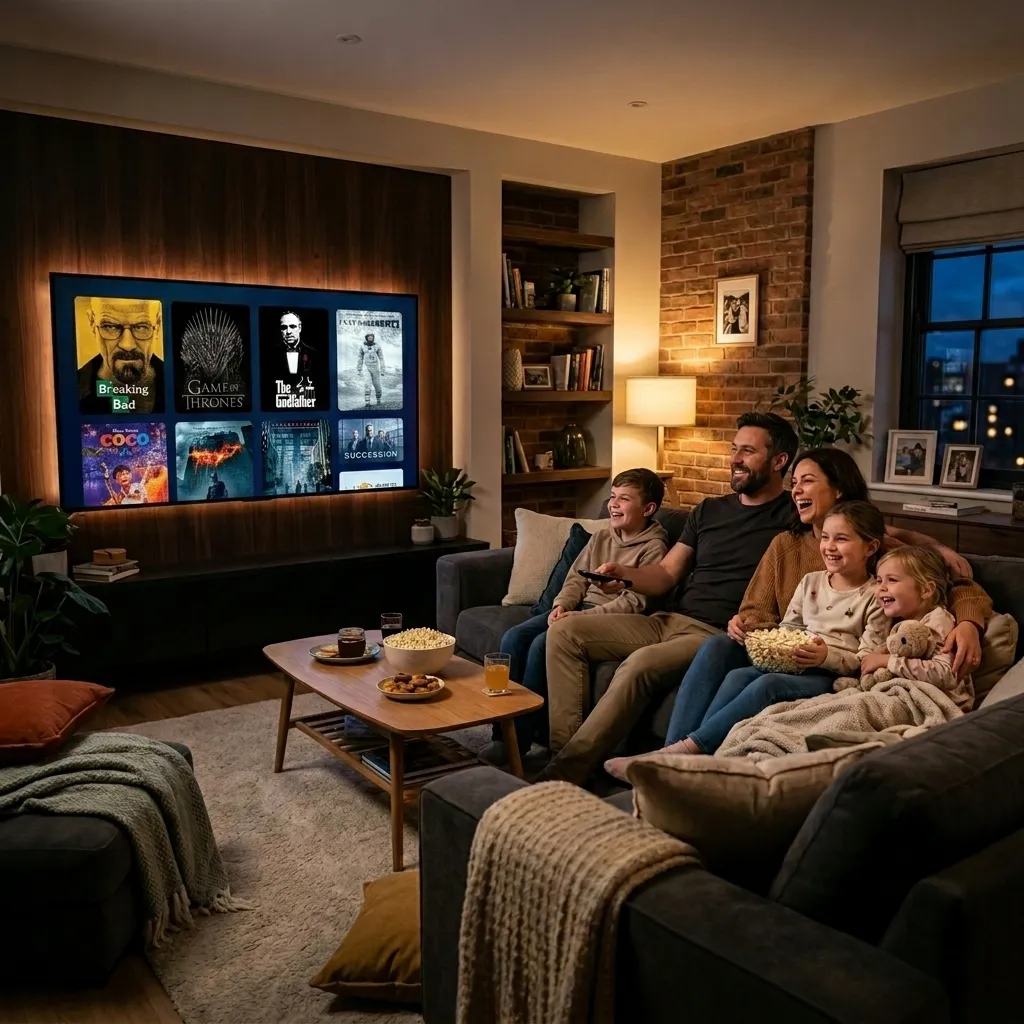
Zorba IPTV is a premium IPTV streaming service that provides over 30,000 live international TV channels and more than 150,000 movies and on-demand series in 4K Ultra HD and Full HD. Instead of relying on traditional satellite dishes or cable boxes, the platform delivers high-definition media directly through standard high-speed internet connections using M3U playlists and Xtream Codes API. Users access live sports, pay-per-view events, regional broadcasts, and video-on-demand libraries across Amazon Firesticks, Android TV boxes, Samsung and LG Smart TVs, Apple devices, and desktop computers with instant activation.
What Is Zorba IPTV and How Does It Work?
Internet Protocol Television (IPTV) transmits television programming and on-demand video over packet-switched computer networks instead of traditional broadcast formats like terrestrial, satellite, or coaxial cable. This modern architecture allows media servers to transmit content packets on demand directly to an application installed on your streaming hardware.
When you select a live broadcast on the Zorba IPTV network, your player application requests the video stream via an optimized content delivery server. Rather than tuning into fixed radio frequency transmissions, your device decodes the incoming digital feed in real time, delivering higher bitrates, crisper picture detail, and instant channel switching.
The Technology Behind Internet Protocol Television
Modern IPTV streaming relies on two primary configuration formats: M3U playlist URLs and Xtream Codes API credentials. An M3U playlist file acts as an index of stream links organized by country, genre, and resolution. When loaded into an IPTV media player, the application parses the links and synchronizes programming schedules automatically.
The Xtream Codes API provides an even cleaner protocol. By entering three data points—the server URL, your username, and your password—your player app establishes a secure handshake with the server. This connection automatically downloads organized channel groups, movie catalogs, series seasons, and the real-time Electronic Program Guide (EPG) without requiring manual playlist updates.
Live TV Channels, Sports, and On-Demand Entertainment
Zorba IPTV features an extensive catalog covering major entertainment, sports, documentary, and news networks from English-speaking territories including the United States, United Kingdom, Canada, and Australia, alongside global channels. Live sports coverage includes premier football leagues, motorsport, combat championships, basketball, and live pay-per-view events broadcast in 60 frames per second for fluid motion tracking.
In addition to live broadcasts, the integrated video-on-demand (VOD) catalog houses more than 150,000 titles. New cinematic releases, complete series collections, and multi-language subtitle tracks are continually refreshed on dedicated cloud storage clusters, giving subscribers instant access to full home entertainment without separate streaming service add-ons.
Hardware Compatibility and Device Setup
One of the primary advantages of an IPTV subscription is freedom from proprietary set-top boxes. You can configure your service on virtually any screen you already own. For detailed, hardware-specific walkthroughs, consult the comprehensive Zorba IPTV installation tutorials.
Amazon Firestick and Android TV Devices
Amazon Fire TV sticks and dedicated Android TV boxes (such as NVIDIA Shield and Chromecast with Google TV) represent the most popular hardware for IPTV due to their open app ecosystems and powerful hardware decoders.
- Launch your streaming device and install the Downloader utility from the official app store.
- In the device system settings, access Developer Options and permit app installation from unknown sources, following official Amazon Fire TV developer documentation.
- Use Downloader to install your chosen IPTV player, such as TiviMate or IPTV Smarters Pro.
- Launch the player and select Login with Xtream Codes API.
- Input the server URL, username, and password provided in your subscription welcome email, then allow the playlist and EPG to sync.
Samsung and LG Smart TVs
If you prefer not to use an external streaming stick, Samsung Smart TVs powered by Tizen OS and LG Smart TVs running webOS support dedicated IPTV players directly through their native app stores.
- Open the Samsung Smart Hub or LG Content Store and search for applications like IBO Player, IPTV Smarters Pro, or DuplexPlay.
- Install and launch the player to display your TV screen's unique virtual MAC Address and Device Key.
- Visit the player developer's management portal on a smartphone or computer, link your TV's MAC address, and paste your M3U playlist link.
- Restart the app on your television to load the full channel lineup and daily schedule.
Apple Devices and Desktop Platforms
Subscribers streaming on Apple TV, iPhones, and iPads can install popular App Store clients such as GSE Smart IPTV or Smarters Player Lite. On Windows and macOS desktop computers, you can stream immediately by loading your M3U link into the open-source VideoLAN VLC media player under the Network Stream tab, or by using a dedicated desktop client for a full TV interface.
Performance Optimization for Buffer-Free 4K Streaming
Nothing disrupts a live championship game or movie night faster than a spinning buffering wheel. While stream interruptions are often blamed on providers, the majority of playback issues stem from local home network bottlenecks, wireless packet dropouts, or regional internet routing.
Bandwidth Requirements and Network Stability
Live streaming requires continuous data transfer with minimal jitter rather than short bursts of speed. The FCC Broadband Speed Guide recommends minimum downstream speeds for video consumption, but real-time broadcast media demands additional overhead for stability:
- Standard Definition (SD): 10 Mbps per active connection.
- High Definition (1080p FHD at 60 FPS): 25 Mbps per active connection.
- 4K Ultra HD Streams: 35 Mbps to 50 Mbps of uninterrupted downstream throughput.
Ethernet vs. Wi-Fi: Minimizing Packet Loss
Wireless signals are susceptible to physical obstacles, microwave interference, and signal congestion from household smart gadgets. When streaming high-bitrate live video, temporary packet drops force the player to pause and buffer while rebuilding its video frame cache.
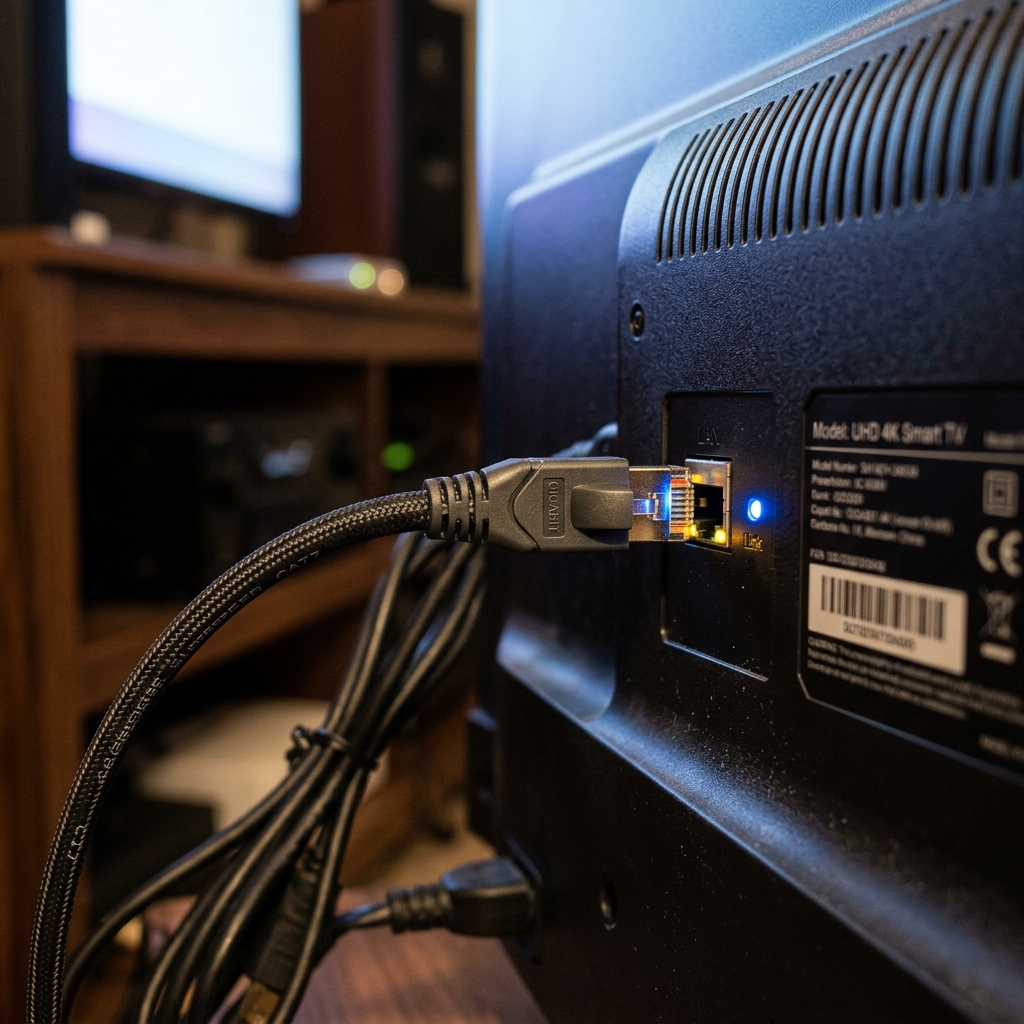
Connecting your TV or streaming stick to your router with a Cat6 Ethernet cable instantly eliminates local packet loss. For devices located far from your primary router, a high-quality Powerline Ethernet adapter or a 5 GHz Wi-Fi band situated within line-of-sight provides substantially greater reliability than an overcrowded 2.4 GHz network.
Managing ISP Throttling and Regional Routing
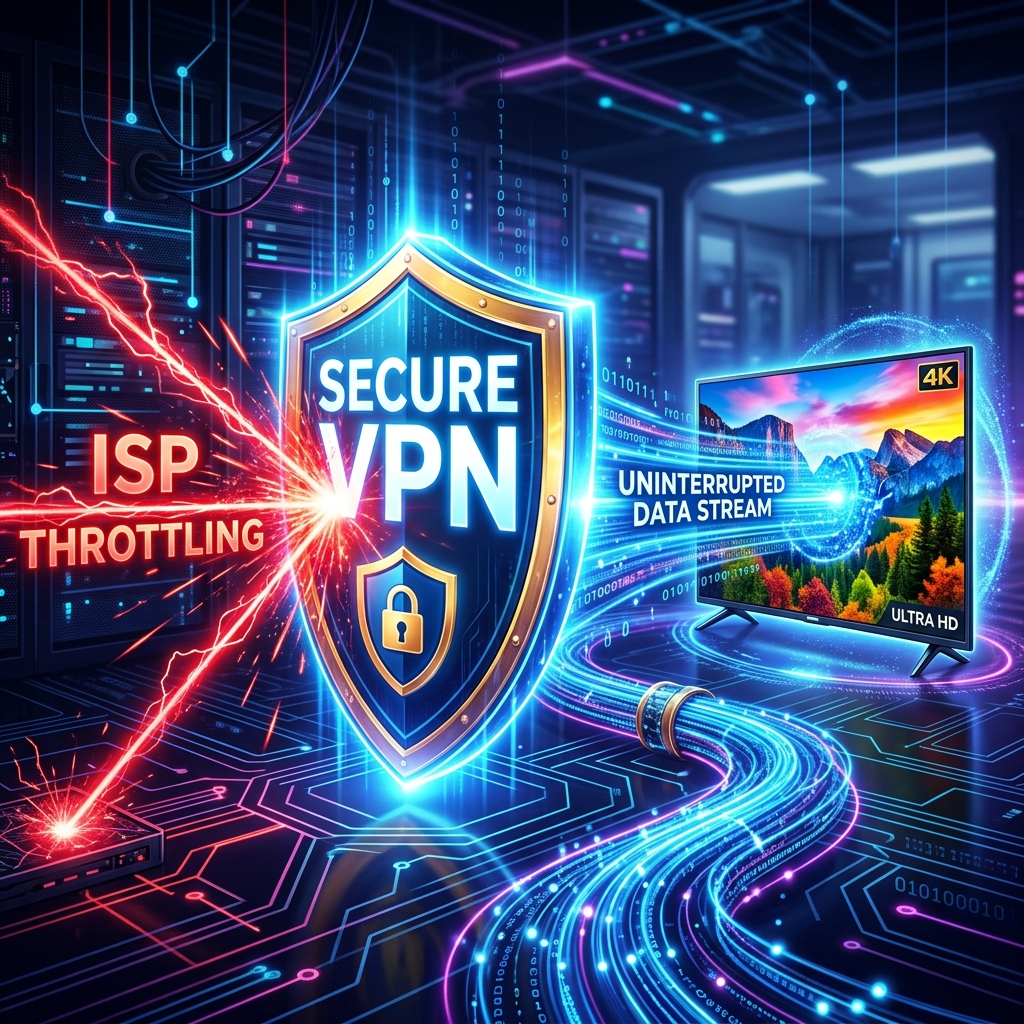
Certain Internet Service Providers implement automated deep packet inspection to detect continuous, high-volume video traffic during evening peak hours and major sports fixtures. When detected, ISPs systematically throttle connection speeds to save network bandwidth, creating artificial buffering.
Deploying a virtual private network (VPN) running WireGuard or OpenVPN protocol encrypts all data packets leaving your streaming device. Because your ISP can no longer inspect the contents or destination of your stream, throttling mechanisms are bypassed, restoring seamless playback.
Comparing Zorba IPTV with Traditional Cable Services
Cord-cutting continues to accelerate worldwide as viewers seek greater flexibility, comprehensive international channel selection, and reasonable pricing compared to traditional telecommunications packages.
| Feature / Capability | Zorba IPTV | Traditional Cable & Satellite |
|---|---|---|
| Channel Selection | 30,000+ live global channels, regional feeds, and premium sports | 150–300 regional channels; premium tiers require steep add-on fees |
| On-Demand Catalog | 150,000+ movies & television series included at no extra cost | Limited free titles; pay-per-view rentals typically cost $5 to $20 each |
| Broadcast Quality | 4K Ultra HD and 1080p FHD streams operating at 60 FPS | Primarily compressed 720p or 1080i signals on legacy infrastructure |
| Hardware Requirements | Universal compatibility with existing Smart TVs, Firesticks, and PCs | Mandatory proprietary set-top boxes, coaxial cabling, and dish mounts |
| Contracts & Commitment | Zero contracts; 1, 3, 6, 12-month or Lifetime access options | 12 to 24-month binding contracts with steep early cancellation penalties |
| Multi-Room & Mobile Viewing | Stream on televisions, tablets, and smartphones simultaneously | Requires an additional monthly box rental fee ($10–$15) per television |
Understanding Subscription Plans and Feature Tiers
Choosing the right IPTV setup depends on your household size, viewing habits, and budget. Transparent pricing structures allow users to scale their subscriptions without unexpected activation fees or equipment leases.
Single-Device vs. Multi-Device Connections
Subscribers living in single-viewer households can start with an affordable 1-device connection, which can be logged into multiple devices as long as only one screen streams at any given moment. For families with diverse viewing interests, explore the Zorba IPTV subscription plans, which offer multi-connection configurations ranging from 2 up to 5 concurrent streams alongside a popular Lifetime access tier.
Electronic Program Guide and Anti-Freeze 9.0
A high-quality streaming service is distinguished by its backend infrastructure. Zorba IPTV incorporates Anti-Freeze 9.0 server architecture, load-balancing traffic across distributed global data centers to ensure consistent uptime even during high-traffic global sporting finals.
Every account includes synchronized daily Electronic Program Guide (EPG) data. This feature populates your player application with accurate scheduling grids, channel descriptions, and program timelines, replicating the traditional television navigation experience without sluggishness.
Frequently Asked Questions
What minimum internet download speed is required for 4K IPTV streaming?
For standard definition (SD) streams, a steady 10 Mbps connection is sufficient. High definition (1080p FHD) streaming requires at least 25 Mbps, while 4K Ultra HD live streams need a stable connection of 35 to 50 Mbps. Low latency and a stable connection are more important than peak speed to prevent buffering.
Can I use my Zorba IPTV subscription on multiple devices simultaneously?
Yes, Zorba IPTV offers flexible subscription packages supporting from 1 up to 5 concurrent connections. Single-device accounts allow login across multiple devices but support only one active stream at a time. Households wanting simultaneous streaming in different rooms can choose a multi-device plan.
Do I need to install a VPN to stream live sports and TV channels?
A VPN is not strictly mandatory, but it is highly recommended if your internet service provider throttles high-bandwidth video traffic during peak hours or major live sporting events. Using a reputable VPN encrypts your data packets and helps maintain consistent stream stability.
How long does account activation take after placing an order?
Account activation is handled rapidly upon order completion. You receive an automated confirmation email containing your M3U playlist link, Xtream Codes credentials (server URL, username, and password), and setup instructions typically within a few minutes.
Which IPTV player app works best for Amazon Firestick and Smart TVs?
For Amazon Firestick and Android TV devices, TiviMate and IPTV Smarters Pro provide the most responsive interface, advanced EPG support, and channel categorization. For Samsung and LG Smart TVs running Tizen or webOS, IBO Player, IPTV Smarters Pro, and DuplexPlay are widely trusted.
Choosing the Right Streaming Setup
Switching to modern IPTV unlocks unprecedented access to world entertainment, global sports coverage, and cinematic on-demand libraries without the constraints of legacy cable contracts. By selecting reliable hardware, connecting via stable wired or 5 GHz networking, and pairing your setup with a high-performance provider, you can enjoy premium 4K television on your terms.
Ready to upgrade your home entertainment system? Explore flexible Zorba IPTV subscription plans, check our quick device installation guide, or contact our dedicated technical support team to begin streaming today.