To stream live sports and pay-per-view (PPV) events in 4K at 60 frames per second on Zorba IPTV, launch your media player (such as TiviMate or IPTV Smarters Pro), navigate to the dedicated Live Sports or PPV category, and verify your network delivers at least 25 to 35 Mbps of low-jitter bandwidth. Zorba IPTV provides dedicated high-framerate broadcast feeds for premier international football competitions, NFL Sunday Ticket, NBA League Pass, Formula 1, and UFC fight nights. Applying optimal player caching and connecting via a wired Ethernet cable guarantees you catch every goal, touchdown, and knockout without stream lag or freezing.
Why High-Framerate 60 FPS Matters for Live Sports
Standard cinema and serialized television programming are traditionally mastered at 24 to 30 frames per second (FPS). While this frame rate creates a filmic aesthetic for dramatic cinema, it proves inadequate for high-velocity sports broadcasting.
When a football travels across the pitch or a Formula 1 car enters a chicane at 200 miles per hour, lower frame rates cause visible trailing, motion blur, and micro-stuttering. Streaming at 60 frames per second delivers double the visual samples every second, providing fluid camera pans, distinct player movements, and legible scoreboards on large-format displays.
Multi-Audio Feeds and Stadium Commentary
International sporting events attract global viewership with varying commentary preferences. Through the Zorba IPTV network, live feeds frequently provide secondary audio programming (SAP). Subscribers can toggle between original English, Spanish, French, and ambient stadium audio tracks directly within their player menu.
This flexibility allows international fans living in the United States, United Kingdom, Canada, or Australia to experience domestic broadcasts from home territories with native commentary teams rather than restricted regional syndications.
Configuring Your Setup for Big Match Days
High-profile championship fixtures—such as the UEFA Champions League Final, the Super Bowl, or high-stakes boxing bouts—generate massive concurrent viewer traffic across residential internet networks. Preparing your home setup before kickoff prevents inconvenient playback interruptions.
Optimizing Video Buffer Settings
Unlike video-on-demand content that downloads ahead of your viewing position, live broadcast streams deliver packets continuously. If your player's buffer is set to zero, a split-second packet delay pauses your screen.
- Open your streaming player (such as TiviMate, IPTV Smarters Pro, or IBO Player).
- Access Settings > Playback > Buffer Size.
- Configure the buffer to Medium (3–5 seconds) to absorb momentary network jitter without creating excessive latency behind real-time action.
- Verify that your video decoder is set to Hardware (HW) mode for efficient GPU-accelerated video decoding.
Hardwiring Your Streaming Hardware
Wireless signals are susceptible to local channel congestion from neighboring apartments and household smart electronics. As detailed in official FCC Broadband Speed Guidelines, real-time video feeds require consistent, low-jitter throughput.
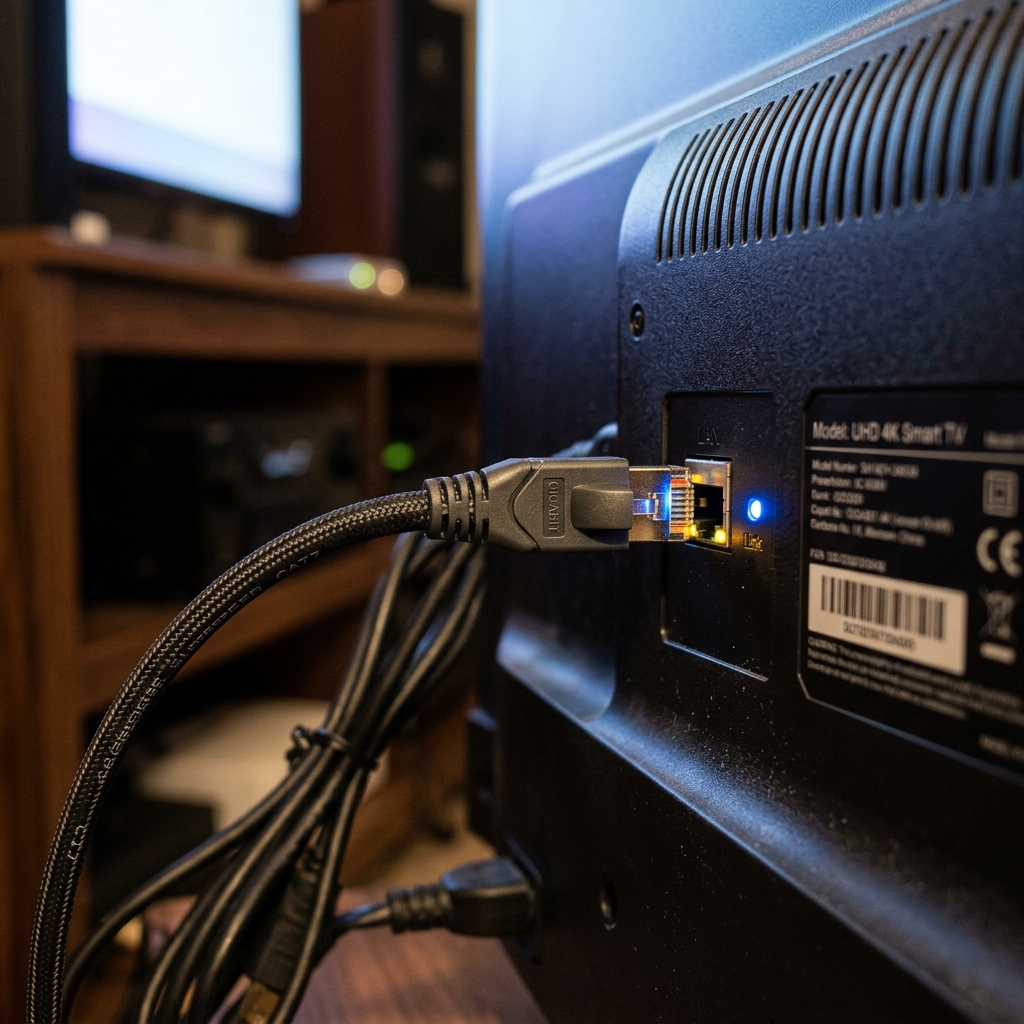
Plugging a Cat6 Ethernet cable into your Smart TV, Android box, or Firestick (via a micro-USB Ethernet adapter) prevents packet loss and keeps latency minimal throughout overtime periods and penalty shootouts. Device configuration walkthroughs are detailed in our complete installation guide.
Bypassing Game-Day ISP Throttling with a VPN
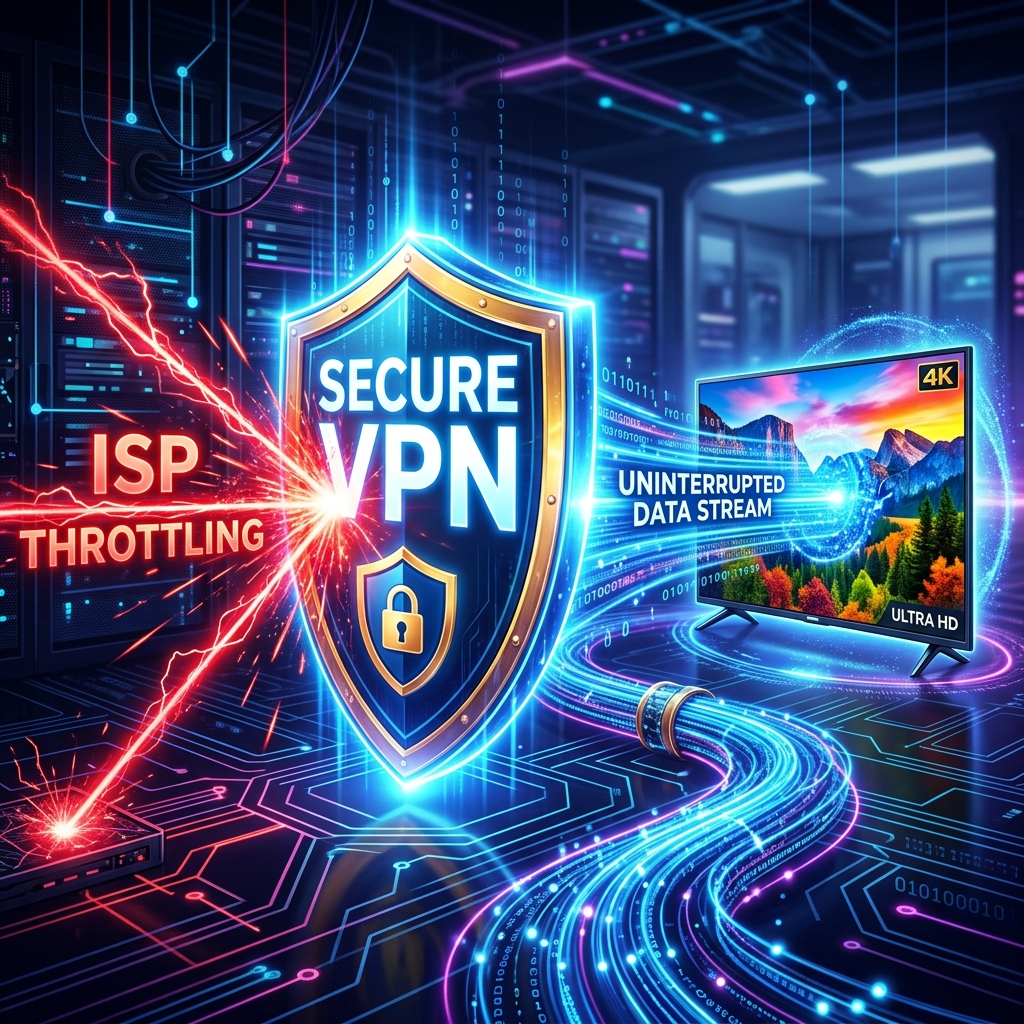
Many Internet Service Providers deploy automated deep packet inspection systems. During Saturday afternoon football fixtures and Sunday evening events, ISPs identify high-bandwidth media streams heading toward residential routers and deliberately restrict transfer speeds to conserve neighborhood bandwidth.
By connecting to a reliable virtual private network (VPN) using modern protocols like WireGuard or OpenVPN, your stream data is encrypted in transit. Because your internet provider cannot inspect destination IP addresses or packet headers, artificial throttling algorithms cannot trigger, maintaining your stream at full native bitrate.
Live Sports Categories and Broadcast Specifications
Zorba IPTV organizes sports channels into structured categories with synchronized electronic program schedules, enabling rapid navigation between concurrent events.
| Sports Category / Competition | Major Events Covered | Stream Resolution & Framerate | Audio & Commentary Options | Match-Day Performance Tip |
|---|---|---|---|---|
| Premier League & UEFA Competitions | All 380 Premier League fixtures, Champions League, Europa League | 4K Ultra HD & 1080p FHD at 60 FPS | English (UK/US), Spanish, French, and ambient stadium audio | Connect via 5 GHz Wi-Fi or Ethernet to avoid multi-cast packet loss |
| NFL & American Football | Regular season, NFL RedZone, College Football, Super Bowl | 1080p Full HD at 60 FPS | Dedicated regional home and away commentary feeds | Increase player buffer cache to 3–5 seconds prior to kickoff |
| Combat Sports & PPV Bouts | UFC Fight Nights, numbered PPV main cards, Boxing, WWE | 4K Ultra HD & 1080p FHD at 60 FPS | Primary broadcast commentary and ringside audio | Activate a WireGuard VPN to bypass evening ISP video throttling |
| NBA & International Basketball | Regular season, NBA League Pass, Playoffs, EuroLeague | 1080p Full HD at 60 FPS | Home and visiting broadcast feeds with studio halftime shows | Clear player app cache weekly for responsive live scoreboard sync |
| Motorsport (F1 & MotoGP) | Practice, Qualifying, Sprint races, Grand Prix race days | 4K Ultra HD & 1080p FHD at 60 FPS | International broadcast feeds with onboard team radio options | Hardware (HW) decoding recommended for rapid panning camera stability |
Multi-Screen Viewing for Overlapping Matches
Sports enthusiasts frequently face scheduling conflicts when major games overlap on weekend afternoons. Utilizing advanced IPTV players like IPTV Smarters Pro or TiviMate Premium unlocks native multi-screen viewing directly on your television.
Users can divide their TV screen into two, three, or four separate quadrants, watching multiple live broadcasts simultaneously while switching audio tracks with a single remote press. For multi-room households where family members follow different clubs, choosing a multi-connection plan from Zorba IPTV subscription plans enables up to 5 concurrent streams on separate screens across your home.
Frequently Asked Questions
Why do live sports streams require 60 frames per second (FPS)?
Standard television dramas air at 24 to 30 FPS, but fast-moving athletic competition—such as tennis rallies, passing plays in football, and high-speed motor racing—produces motion blur at lower frame rates. A 60 FPS stream delivers twice the visual data per second, creating smooth, crisp ball and athlete tracking on modern displays.
Are pay-per-view (PPV) fight events included with my subscription?
Yes. Zorba IPTV includes major international pay-per-view events—including UFC championship cards, championship boxing, and WWE events—directly within the live channel directory at no supplemental charge. Dedicated event channels become active several hours before each card commences.
Why does my sports stream buffer during major championship finals?
Buffering during high-profile sporting finals typically stems from residential internet providers throttling local video bandwidth during neighborhood traffic spikes. Activating a secure VPN prevents your ISP from identifying and slowing streaming traffic, while Zorba IPTV's load-balanced server network absorbs audience surges without slowdowns.
Can I record live sporting events or use catch-up TV?
Yes. If your IPTV player application (such as TiviMate or IPTV Smarters Pro) supports recording and your device has available local storage, you can schedule and record live broadcasts. Many primary sports channels also offer multi-day catch-up functionality so you never miss an early kickoff.
What internet speed is necessary to watch 4K live sports without stuttering?
For consistent 4K live sports streaming at 60 FPS, a steady downstream connection of at least 35 to 50 Mbps with network ping below 40 ms is recommended. For 1080p Full HD at 60 FPS, 25 Mbps is sufficient for buffer-free playback.
Never Miss a Live Championship Moment
Switching to modern IPTV streaming frees sports fans from restrictive regional broadcast blackouts, expensive satellite packages, and separate pay-per-view fees. With dedicated 4K and 60 FPS feeds, synchronized TV guides, and anti-freeze server redundancy, you get stadium-quality viewing in your living room.
Ready to enjoy front-row sports entertainment on any screen? Explore flexible Zorba IPTV subscription plans, check our easy installation guide, or contact our customer support team to activate your sports package today.