To setup Zorba IPTV on a Samsung or LG Smart TV, install an approved player application like IBO Player, IPTV Smarters Pro, or DuplexPlay directly from the Samsung Smart Hub or LG Content Store, then activate your playlist using your virtual MAC address or Xtream Codes API credentials. The entire process takes under five minutes and requires no external streaming sticks or secondary cables. Once connected, your smart television automatically synchronizes over 30,000 live channels, electronic program guides, and video-on-demand libraries in crisp 4K Ultra HD.
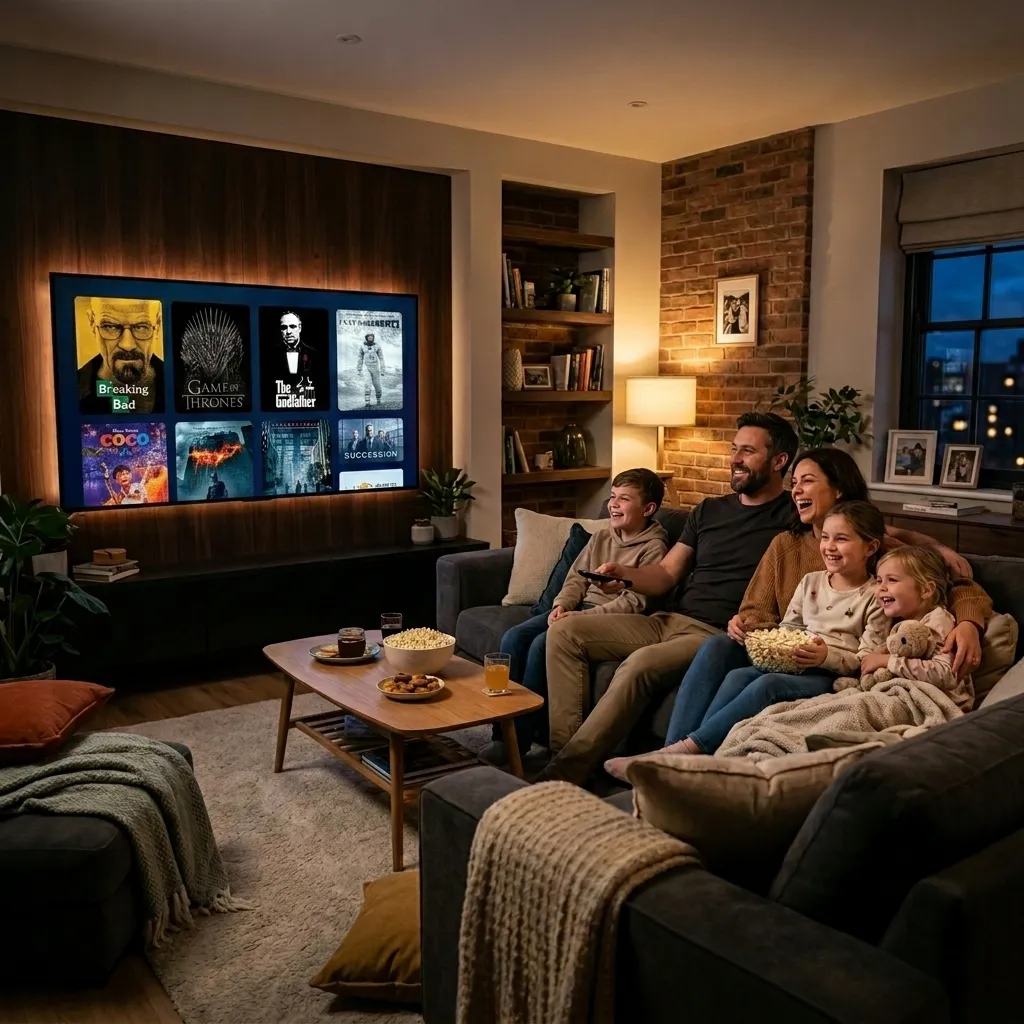
Understanding Smart TV Operating Systems: Tizen vs. webOS
Samsung Smart TVs operate on proprietary Tizen OS, whereas LG Smart TVs run on webOS. Unlike open Android TV boxes or Amazon Firesticks, neither platform supports direct sideloading of generic Android APK files.
Instead, developers publish specialized web-based applications compiled specifically for television app repositories. According to official Samsung Tizen Smart TV developer resources, native television apps interface directly with onboard video processing hardware, ensuring energy-efficient 4K video rendering and remote control integration.
Xtream Codes API vs. MAC Address Web Activation
Smart TV media players generally connect to your IPTV subscription using one of two methods:
- Direct Xtream Codes API: You enter your assigned server URL, username, and password directly on screen using your television remote. The player queries the host server and synchronizes live TV categories and VOD catalogs automatically.
- Virtual MAC Address Portal: The player displays a virtual MAC Address and Device Key on your TV screen. You open a web browser on your phone or laptop, visit the player developer's management portal, enter these keys, and paste your M3U playlist URL to link your channels.
Step-by-Step Setup on Samsung Smart TVs (Tizen OS)
Follow these instructions to configure live television streaming on any Samsung Smart TV manufactured from 2017 to the present day:
- Turn on your Samsung television and press the Home button on your remote to launch the Smart Hub bar.
- Select the Apps icon (magnifying glass or grid tile) to open the Samsung App Store.
- In the search field, type IBO Player or IPTV Smarters Pro and click Install.
- Launch the application once download completes. The start screen will display your Device MAC (e.g., 00:1a:79:...) and Device Key.
- On your smartphone or PC, navigate to the official IBO Player upload portal (iboplayer.com/device/login).
- Enter your television's MAC address and Device Key, click Add Playlist, and enter your Zorba IPTV M3U URL or Xtream Codes credentials.
- Return to your TV screen and select Reload / Refresh. Your full channel directory and electronic program guide will load instantly.
Step-by-Step Setup on LG Smart TVs (webOS)
LG webOS televisions offer streamlined access to modern IPTV interfaces through the LG Content Store:
- Press the Home button on your LG Magic Remote to bring up the app launcher bar.
- Click on the LG Content Store (or Apps on newer webOS versions).
- Search for IBO Player, IPTV Smarters Pro, or DuplexPlay.
- Select your preferred player and click Install.
- Open the application. If using IPTV Smarters, choose Login with Xtream Codes API and enter your username, password, and portal URL from your Zorba IPTV welcome email.
- If using IBO Player, follow the virtual MAC portal method to upload your M3U playlist link.
- Confirm and restart the app to enjoy live sports, international news, and cinematic entertainment.
Comparing the Best IPTV Players for Samsung and LG TVs
Selecting the ideal media player ensures responsive channel navigation, multi-audio language switching, and daily program guide accuracy.
| IPTV Player App | Operating System Support | Activation Method | EPG & Subtitle Features | Best For |
|---|---|---|---|---|
| IBO Player | Samsung Tizen & LG webOS | Device MAC & Device Key web portal | Multi-language EPG, subtitle font scaling, channel locking | Fast, modern interface with zero configuration lag and rapid channel zapping |
| IPTV Smarters Pro | Samsung Tizen & LG Content Store | Direct Xtream Codes API login on TV | Categorized VOD posters, multi-screen view, catch-up TV | All-in-one family viewing balancing live international sports with movie libraries |
| DuplexPlay | Samsung Smart Hub & LG webOS | Device ID & Device Key portal | Playlist editing, favorite channel groups, audio track switching | Viewers wanting custom playlist organization and parental PIN protection |
| Nanomid Player | Tizen, webOS & Android TV | Cloud OTP code & M3U URL | Built-in VPN proxy support, automated EPG synchronization | Advanced users needing custom proxy routing directly on television hardware |
| Smart IPTV (SIPTV) | Legacy Tizen & older webOS | MAC address upload via browser | Basic channel numbering and lightweight list display | Older Smart TV models with limited onboard processing memory |
Optimizing Smart TV Network Settings for 4K Playback
While Smart TVs feature integrated Wi-Fi chipsets, internal TV antennas are often compact and shielded behind dense display panels and wall mounts. This placement can cause wireless packet jitter during high-demand 4K broadcasts.
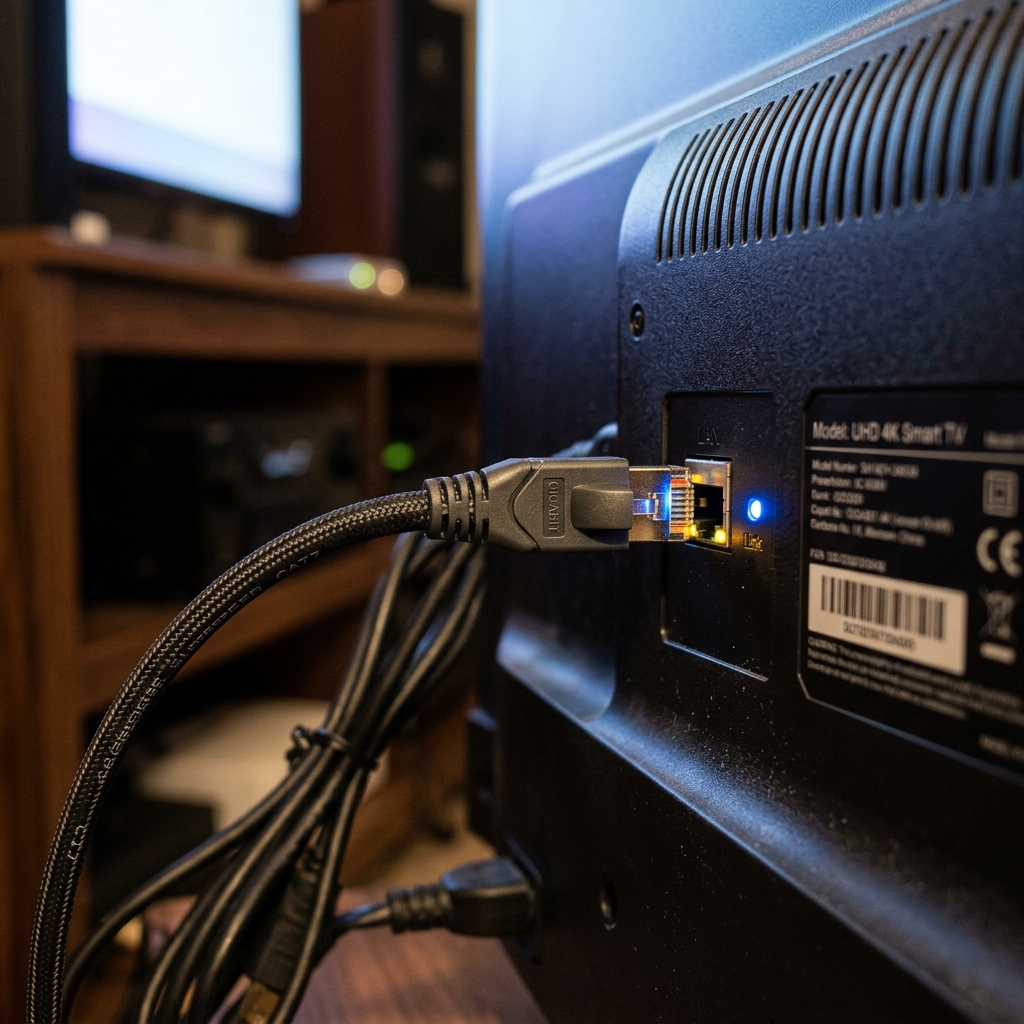
To achieve reliable, stutter-free playback, connect a Cat6 Ethernet cable directly from your home router into the rear LAN port of your television. According to the FCC Broadband Speed Guidelines, real-time uncompressed 4K video feeds require consistent throughput of 35 to 50 Mbps.
Additionally, television manufacturers frequently route DNS queries through sluggish default ISP servers. Navigating to your television's Settings > Network > Network Status > IP Settings and manually configuring DNS to 1.1.1.1 (Cloudflare) or 8.8.8.8 (Google) significantly accelerates channel loading and EPG synchronization. For full device walkthroughs, consult our step-by-step device installation guides.
Frequently Asked Questions
Can I install Zorba IPTV on Samsung or LG Smart TVs without a Firestick?
Yes. Both Samsung TVs running Tizen OS and LG TVs running webOS feature dedicated app stores containing approved IPTV media players such as IBO Player and IPTV Smarters Pro. You do not need an external Firestick, Apple TV, or Android box to stream.
What is a Device MAC Address and where do I find it on my Smart TV?
When you install and open an IPTV player like IBO Player on your television, the app displays a unique virtual MAC address and Device Key on screen. You use these identifiers on the player developer's website to link your Zorba IPTV M3U playlist URL securely to your screen.
Do Smart TV IPTV apps require a separate purchase or license?
Certain third-party player applications (such as IBO Player or DuplexPlay) offer a free trial period (typically 7 days) before requiring a one-time activation fee directly to the app developer. Other players like IPTV Smarters Pro are completely free to download and use.
Why does my Smart TV app say 'Cannot connect to server' or 'Invalid playlist'?
This message typically indicates a typographical error in your Xtream Codes credentials, an expired playlist cache, or network DNS blocking. Verify your server URL, username, and password in your welcome email, and switch your TV's DNS settings to 1.1.1.1 or 8.8.8.8 in the advanced network menu.
Can I use my Zorba IPTV account on multiple Smart TVs simultaneously?
Yes. If your household has multiple televisions in the living room and bedrooms, you can install the player app on each TV. To stream different channels at the same time, select a multi-device Zorba IPTV subscription supporting 2 to 5 concurrent connections.
Transform Your Living Room Entertainment
Configuring IPTV directly on your Samsung or LG Smart TV unlocks instant access to 30,000+ live global channels, premier athletic competitions, and 150,000+ on-demand titles using your TV's original remote control—no extra clutter, messy wiring, or expensive cable boxes required.
Ready to experience seamless 4K television on your Smart TV? Explore flexible Zorba IPTV subscription plans, check our complete installation guide, or reach out to our customer support team for rapid activation and personalized setup guidance today.