The best IPTV player apps for streaming Zorba IPTV are TiviMate for Amazon Firestick and Android TV, IPTV Smarters Pro for multi-device households, and IBO Player for Samsung and LG Smart TVs. These applications decode M3U playlists and Xtream Codes API feeds into an intuitive television interface with interactive electronic program guides (EPG), multi-screen live viewing, and hardware-accelerated 4K playback. Selecting the right player depends primarily on your streaming device's operating system, available RAM, and whether you prefer traditional cable-style grid navigation or modern video-on-demand poster walls.
Understanding the Role of an IPTV Media Player
When you subscribe to an IPTV service, you receive access credentials consisting of a server portal URL, username, password, or an M3U playlist link. However, these credentials do not come bundled with a closed proprietary media player.
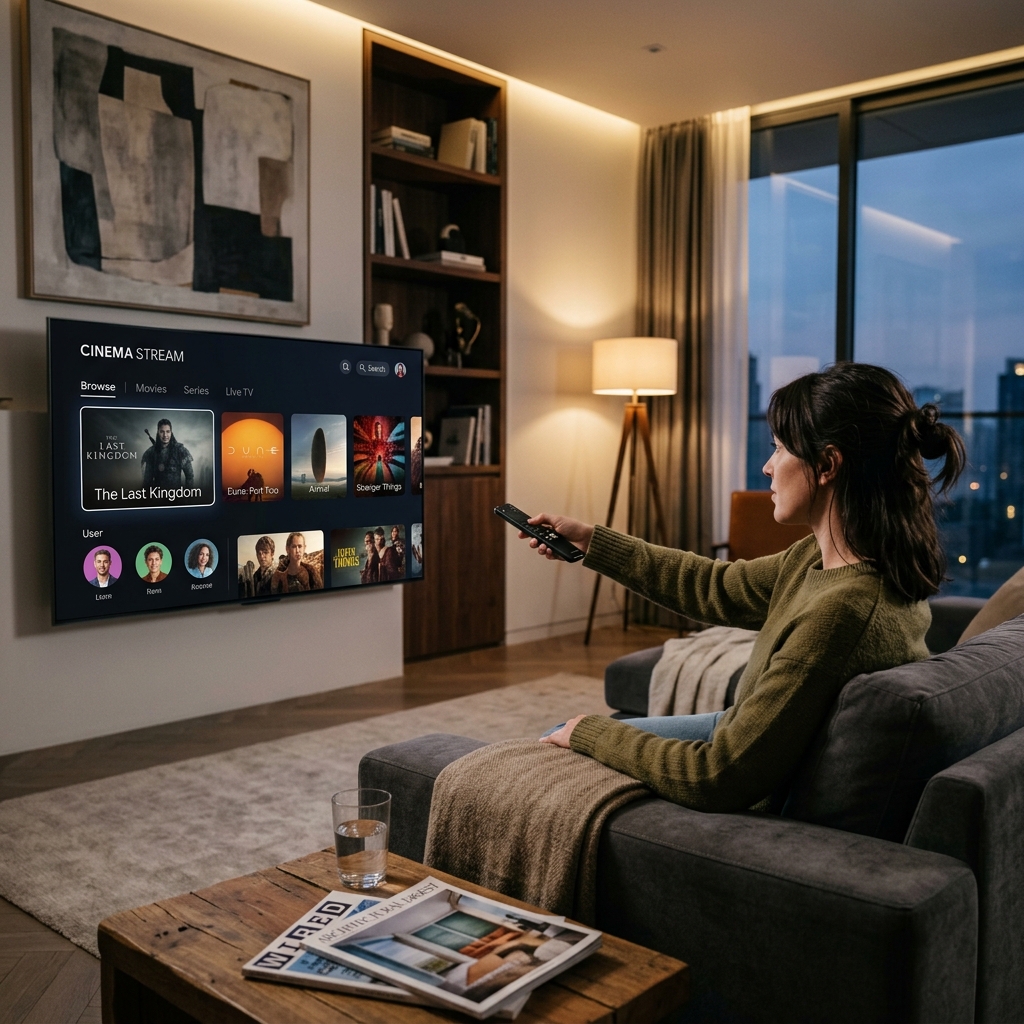
An IPTV player acts as your front-end client interface. It retrieves channel lists from Zorba IPTV, organizes streams by genre and country, parses real-time TV schedules, and renders video chunks onto your display. Choosing a well-optimized media player directly impacts channel zapping speed, subtitle readability, and stream stability.
Xtream Codes API Integration vs. M3U Playlists
Top-tier IPTV media players support two primary playlist connection protocols:
- Xtream Codes API: The gold standard for television streaming. Entering your server URL, username, and password downloads categorized live channels, movie libraries, and series with episode posters and synchronized EPG timelines automatically.
- M3U Playlist Links: A single URL containing direct media stream pointers. Ideal for lightweight players or open-source software like VideoLAN VLC media player on desktop computers.
In-Depth Review of the Top 5 IPTV Players
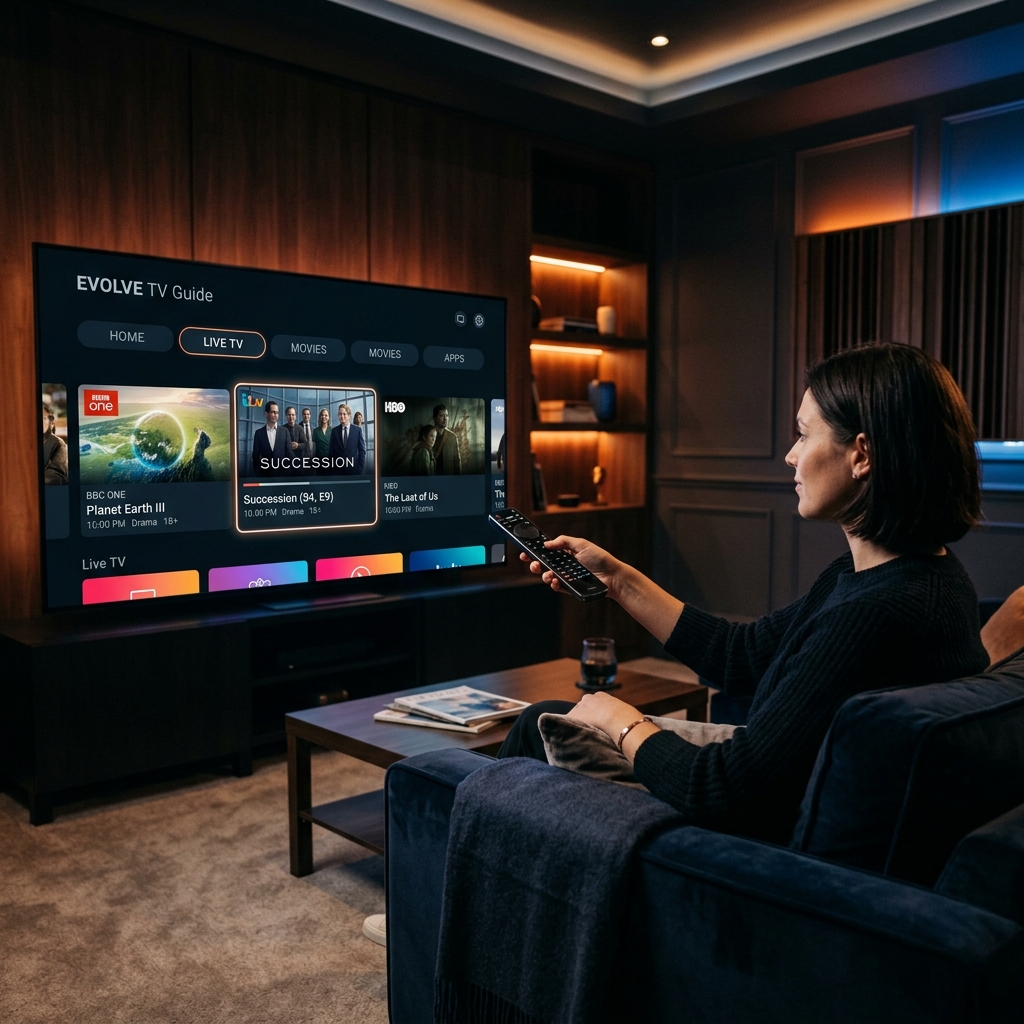
We evaluated the leading media players across Amazon Fire TV, Android TV boxes, Apple devices, and Smart TVs to determine which apps deliver the most reliable viewing experience.
1. TiviMate IPTV Player (Best Overall for Firestick & Android TV)
TiviMate stands as the benchmark for live television streaming on Android-powered devices, adhering to official Amazon Fire TV developer documentation for remote navigation. Its interface closely mirrors premium digital cable boxes, offering instant channel switching and a rich electronic program guide.
- Key Strengths: Lightning-fast channel zapping, multi-day EPG caching, scheduled local or network recording, and customizable remote button shortcuts.
- Best Suited For: Sports fans and cord-cutters seeking an authentic, ultra-responsive live television guide on Amazon Firesticks and Android TV boxes.
2. IPTV Smarters Pro (Best Cross-Platform All-Rounder)
IPTV Smarters Pro is one of the most widely used applications globally due to its availability across almost every operating system, including Android, iOS, Windows, macOS, Samsung Tizen, and LG webOS.
- Key Strengths: Clean tile-based dashboard separating Live TV, Movies, and Series; built-in parental controls; multi-screen viewing up to 4 simultaneous streams; and integrated external player support.
- Best Suited For: Families wanting an identical, easy-to-navigate interface across phones, tablets, laptops, and living room smart televisions.
3. IBO Player (Best for Samsung & LG Smart TVs)
Because Samsung (Tizen) and LG (webOS) televisions do not allow sideloading standard Android APKs, IBO Player has emerged as the premier native solution available directly in both television app stores.
- Key Strengths: Cloud-based activation via virtual Device MAC and Key, low memory footprint, rapid channel indexing, and comprehensive subtitle font customization.
- Best Suited For: Smart TV owners who want to stream directly without purchasing an external streaming stick.
4. XCIPTV Player (Best for Video Codec Customization)
XCIPTV delivers an attractive, user-friendly interface with dual built-in media engines (ExoPlayer and VLC). It allows viewers to toggle between video rendering engines if specific regional streams require unique audio codecs.
- Key Strengths: Built-in speed test module, EPG program reminders, multi-account switching, and backup/restore settings to cloud storage.
- Best Suited For: Users with varied audio/video setups who require fine-grained hardware acceleration controls.
5. GSE Smart IPTV (Best for Apple iOS & Apple TV)
Apple ecosystem users on iPhones, iPads, and Apple TV boxes benefit from GSE Smart IPTV's robust playlist parser, which supports dynamic XMLTV EPG formats and local playlist management.
- Key Strengths: AirPlay integration, iCloud playlist sync across iOS devices, and customizable subtitle formatting.
- Best Suited For: Apple TV owners looking for reliable live channel and on-demand streaming.
Comprehensive Comparison of the Top IPTV Players
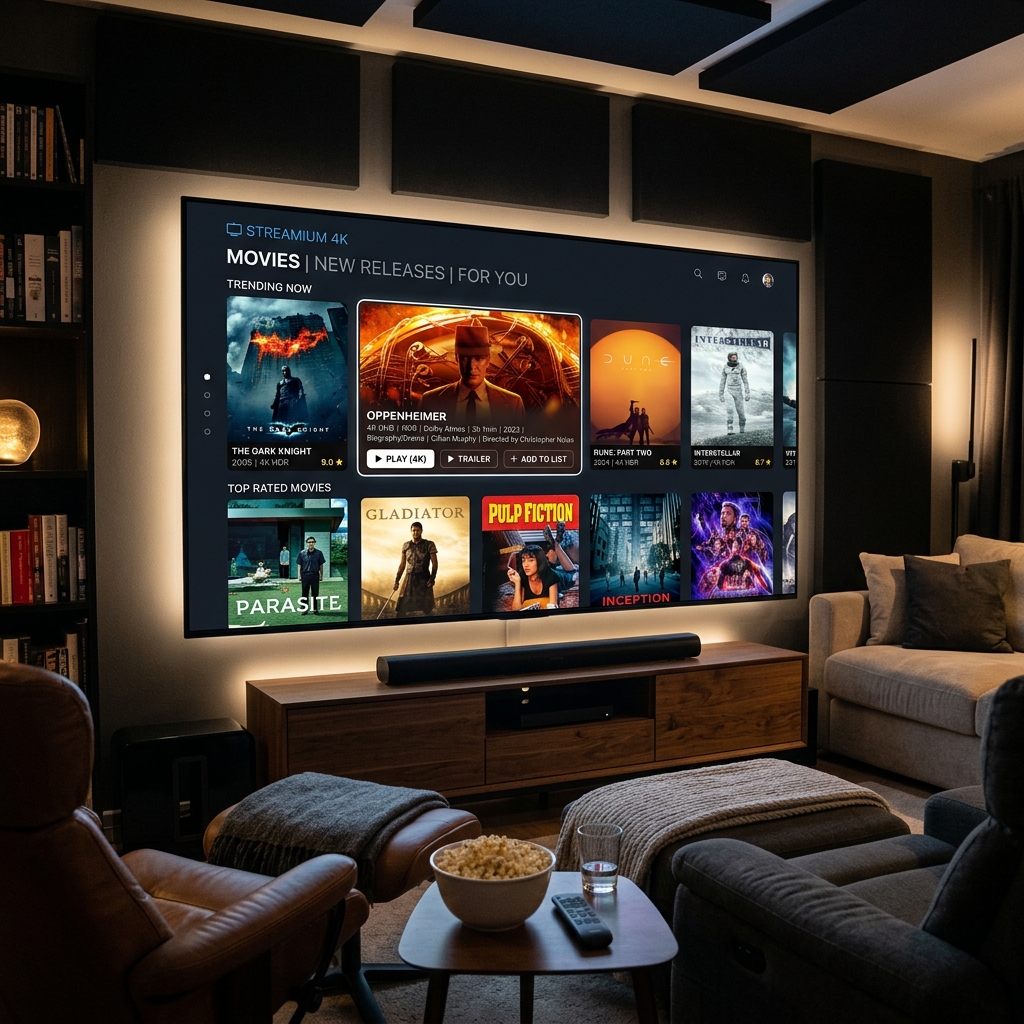
Use this side-by-side comparison matrix to match your household hardware with the ideal player app.
| IPTV Player | Supported Platforms | UI Style & Design | EPG & Recording Features | Pricing & License | Best Use Case |
|---|---|---|---|---|---|
| TiviMate | Android TV, Fire TV, Google TV | Premium cable-box grid with lightning remote zapping | Multi-day EPG, catch-up TV, scheduled cloud recording | Freemium (Free / $34.99 Lifetime) | Dedicated live sports and cable replacement on Fire TV |
| IPTV Smarters Pro | Firestick, Android, iOS, Windows, Mac, LG, Samsung | Clean dashboard with Live, VOD, and Series tiles | Category EPG, multi-screen quad-view (4 screens), external players | Free / Optional Premium | Multi-device households streaming movies, series, and sports |
| IBO Player | Samsung Tizen, LG webOS, Android, Apple TV | Modern card grid with web MAC activation | Multi-language subtitles, audio track selector, channel lock | 7-day trial, then one-time ~€8 activation fee | Samsung and LG Smart TV owners avoiding external streaming sticks |
| XCIPTV Player | Android TV, Amazon Fire TV | Dual-player tile interface with ExoPlayer & VLC integration | Built-in EPG reminders, backup & restore settings | Free / Optional customization | Power users wanting custom audio codecs and hardware acceleration |
| GSE Smart IPTV | iOS, Apple TV, Android, macOS | Classic list-based media player | XMLTV / GZ EPG parsing, local playlist manager | Free with in-app purchase | Apple ecosystem users streaming across iPad, iPhone, and Apple TV |
Configuring Player Cache to Eliminate Buffering
Regardless of which media player you select, default caching parameters may require slight tuning for high-framerate 4K streams. According to the FCC Broadband Speed Guidelines, continuous high-definition video demands consistent throughput with minimal latency.
Within your player's settings menu (e.g., TiviMate or Smarters), navigate to Playback > Buffer Size and adjust the value to Medium (3–5 seconds). This setting allows your player to absorb minor wireless jitter without introducing noticeable delay during channel switching. Step-by-step setup guides for every platform are available in our device installation guides.
Frequently Asked Questions
What is the difference between an IPTV service and an IPTV player?
An IPTV service like Zorba IPTV provides the actual content feed, including live channels, video-on-demand catalogs, and server infrastructure. An IPTV player is a software application installed on your device that decodes those stream links, displays the TV guide, and manages user playback.
Is TiviMate better than IPTV Smarters Pro?
TiviMate is generally considered superior for live television and sports due to its responsive electronic program guide, swift channel zapping, and scheduled recording features. IPTV Smarters Pro is better suited for viewers who frequently watch on-demand movies and complete television series due to its poster-style browsing interface.
Do I need to pay for an IPTV player app?
Many excellent IPTV players—including the standard versions of IPTV Smarters Pro, XCIPTV, and VLC—are completely free to use. Premium players like TiviMate and IBO Player charge a modest one-time license fee to unlock advanced features like multi-view, recording, and cloud playlist backups.
Can one IPTV player app work on all my home devices?
IPTV Smarters Pro offers cross-platform apps across Android, Amazon Fire TV, iOS, Windows, and Smart TVs. However, specialized players like TiviMate are exclusive to Android and Fire OS. You can use different player apps on different screens with your same Zorba IPTV login credentials.
How do I update the electronic program guide (EPG) in my player?
Most modern IPTV players update EPG data automatically every 24 hours. To trigger a manual update, navigate to your player's Settings > EPG (or Playlists) and select "Update EPG" or "Clear and Reload EPG" while connected to the internet.
Choosing Your Ideal IPTV Player Setup
Pairing an industry-leading player app with a reliable, anti-freeze IPTV subscription unlocks a seamless television experience with 30,000+ live channels, premier global athletics, and 150,000+ movies on any screen in your home.
Ready to upgrade your home entertainment system? Explore flexible Zorba IPTV subscription plans, follow our easy installation guide, or contact our customer support team for personalized player recommendations and instant activation today.